
Quick answer: AI generated JEE NEET questions on JEENEETAI by PiyushAI are fresh questions written for the chapters and difficulty you choose. Each batch is matched against real past questions from the same chapter for level, phrasing and the way wrong options are built. Repeats and questions that depend on a missing figure are filtered out before you see them.
Most JEE and NEET aspirants run out of good questions before they run out of time. They finish a module, solve the PYQs, and then end up repeating the same questions until they remember the answers instead of the method. AI generated JEE NEET questions solve that problem: every set is new, so every attempt tests understanding.
In this guide I explain how exam-level AI questions are built on JEENEETAI, why they work better than a fixed question bank, and how to use them in your daily routine.
Table of Contents
What Are AI Generated JEE NEET Questions?
AI generated JEE NEET questions are new multiple-choice questions created on demand for a chapter, subject and difficulty level that you pick. Instead of drawing from a fixed list that every student has already seen, the AI writes a fresh set each time, covering Physics, Chemistry and Mathematics for JEE, or Physics, Chemistry and Biology for NEET, chapter by chapter from the Class 11 and Class 12 NCERT syllabus.
How JEENEETAI Keeps AI Questions at Exam Level
A common worry about AI questions is quality. A question that is too easy, oddly worded or missing a diagram does more harm than good. JEENEETAI handles this in three ways:
- Calibrated against real papers. Each batch is shown real past JEE or NEET questions from the same chapter and must match their level and phrasing.
- Realistic wrong options. Distractors are built from the mistakes students actually make, such as forgetting friction on an incline or a sign error in thermodynamics. Picking the wrong option teaches you something specific.
- Quality filters. Repeated questions and questions that depend on a figure that is not shown are removed before they reach you.
The result is practice that feels like the real paper, not like a generic worksheet.
5 Reasons AI Practice Beats Old Question Banks
1. You never run out of fresh questions
A printed module has a fixed number of questions per chapter. Once you have solved them, revision turns into recall. AI generated JEE NEET questions give you a new set on the same concept whenever you need it.
2. You practise exactly the chapters you are weak in
You choose the chapters. If Rotational Motion or Chemical Equilibrium is pulling your score down, you can build a full set on just that chapter instead of scrolling through a mixed bank.
3. Difficulty matches your stage
Start at a comfortable level while building concepts, then move up as your accuracy improves. Class 11 students and droppers can use the same tool at very different levels.
4. Wrong options train your judgement
Because distractors copy real student mistakes, you learn to spot traps before exam day. This is the skill that separates a good score from a great one under negative marking.
5. Every mistake connects to feedback
Each question comes with a step-by-step solution. You can also photograph your own working for a step-by-step AI solution check, and every test feeds into the AI coach report.
How to Create AI Generated JEE NEET Questions: Step-by-Step Tutorial
Here is exactly how to create your first set of AI generated JEE NEET questions on JEENEETAI, with real screenshots from the app. In this example we build a 5-question JEE Physics quiz on Laws of Motion. The whole process takes under a minute.
Step 1: Choose your exam, subject and chapter
Sign in at jeeneet.piyushai.com. On the home screen, under Choose Exam, pick JEE (Engineering) or NEET (Medical). Under Select Subjects, tap a subject such as Physics. To focus on specific chapters, switch the Topic Filter to Enabled, search for your chapter (for example “Laws of Motion”) and tick it. Keep the subject selected as well, otherwise the app will ask you to choose one.

Step 2: Set difficulty, number of questions and time, then generate
Choose a Difficulty (Easy, Medium or Hard). Drag the Questions slider anywhere from 5 to 20, and set the Time Limit from 5 minutes (Quick) up to 60 minutes (Exam Mode). Then tap Generate AI Quiz. Each AI question costs 10 credits, so a 5-question quiz uses 50 credits. If you would rather practise for free, the Solve PYQs and Practice Questions buttons just below never cost credits.

Step 3: Let the AI craft your paper
JEENEETAI now writes your paper. The progress screen shows what is happening: it matches patterns from real past papers and sets the wrong options from real student mistakes. A short “Smart Fact” with an exam tip appears while you wait. A 5-question set took well under a minute in our test.

Step 4: Attempt the questions like the real exam
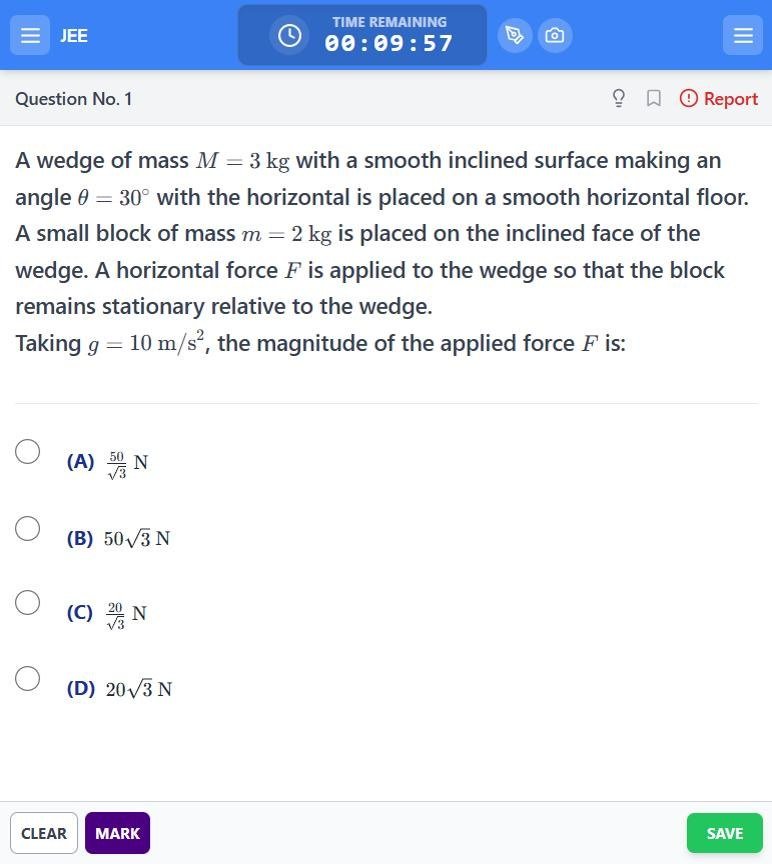
The test screen looks like a real computer-based exam: a countdown timer at the top, one question at a time with properly typeset equations, and Clear, Mark (for review) and Save buttons. Select an option and tap Save to move on. The pen and camera icons next to the timer open the scratchpad and photo tools for rough work.
Step 5: Review the palette and submit
Tap the menu icon at the top right to open the Questions Palette. It shows how many questions are answered, not answered, not visited and marked for review, just like the NTA exam interface. When you are done, tap Submit Exam and confirm.

Step 6: See your score instantly
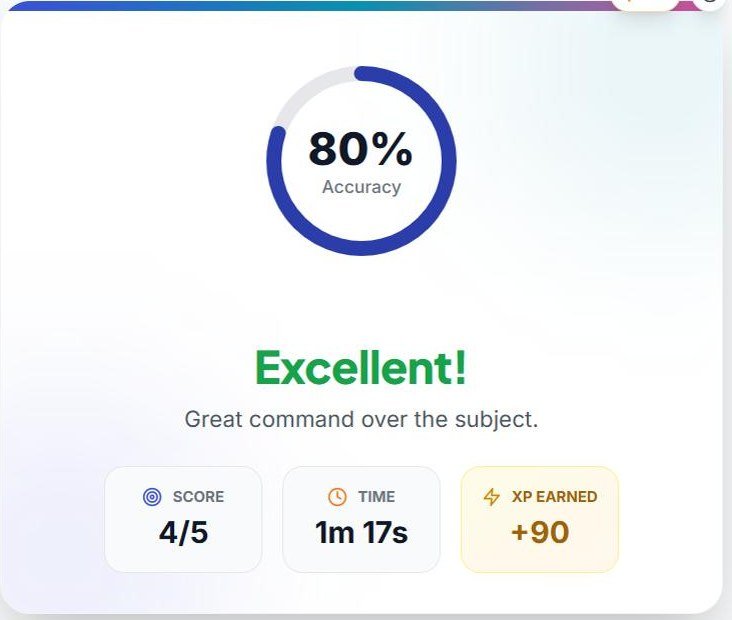
Your result appears straight away: accuracy, score, time taken and XP earned, followed by a Question Analysis chart of correct, incorrect and skipped answers.
Step 7: Read the detailed solutions
Tap View Solutions. Every question shows the correct option in green and your wrong choice in red, followed by a full explanation. The explanations also say why each wrong option is wrong, which is where most of the learning happens. In our test we deliberately picked 24 W on a conveyor-belt power question, the classic trap of using the rate of kinetic energy instead of v²·dm/dt, and the solution pointed out exactly that. You can also tap Ask a doubt by voice (10 credits) under any solution.

Step 8: Get your AI Performance Coach report
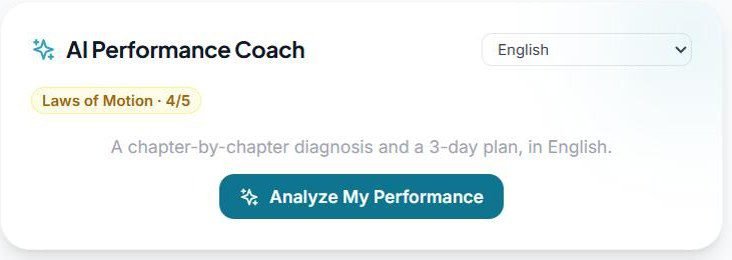
Finally, scroll to AI Performance Coach, pick your language (English, Hinglish, Hindi, Marathi, Bengali, Tamil, Telugu, Kannada, Malayalam, Gujarati, Punjabi, Odia or Urdu) and tap Analyze My Performance for a chapter-by-chapter diagnosis and a 3-day plan. Read more in our guide to JEE NEET mock test analysis with AI. You can also tap Unlock AI Notes to save revision notes for the questions you got wrong.
Daily Routine with AI Generated Questions
| Time | What to do | Why |
|---|---|---|
| 15 minutes | Revise one weak chapter from NCERT | Refresh the concept before testing it |
| 30 minutes | Solve a set of AI generated questions on that chapter | Fresh, exam-level practice |
| 15 minutes | Read solutions for every wrong answer | Fix the method, not just the answer |
| 10 minutes | Write one line per mistake in your error notebook | Builds your personal revision list |
Seventy focused minutes a day on one weak chapter, repeated across the week, moves your score far more than random practice across the whole syllabus.
What Does It Cost?
JEENEETAI is free to start. You get 200 credits when you sign up and 30 more every day you open the app, with no card needed. One AI generated question costs 10 credits, and you are only charged for questions you actually receive. Previous year and practice-bank questions never cost credits. If you need more, credit packs start at ₹99 and never expire, and a Pro pass is ₹299 for 30 days with no auto-renewal. See the pricing on JEENEETAI for current plans.
Frequently Asked Questions
Are AI generated JEE NEET questions as hard as the real exam?
Each batch is matched against real past questions from the same chapter for level, phrasing and how wrong options are built, so the questions are designed to feel like the actual paper. You can also choose the difficulty yourself.
Can I choose specific chapters?
Yes. You select the subjects, chapters, difficulty and time limit for every set.
How many credits does one AI question cost?
One AI generated question costs 10 credits. You get 200 credits on sign-up and 30 free credits every day you open the app.
Do AI questions replace PYQs?
No. Use PYQs to learn what the exam asks, and AI questions for unlimited fresh practice on the same concepts. On JEENEETAI, PYQs are free.
Is there a solution for every question?
Yes. Every question comes with a step-by-step solution, and you can also get your own handwritten working checked by AI.
Official Exam Information
AI practice works best when it follows the official syllabus. Always confirm the latest syllabus, exam pattern and dates on the National Testing Agency websites for JEE Main and NEET UG. JEE Advanced is conducted by the IITs, so check its official information bulletin once it is released.
More JEENEETAI Guides
- Free JEE NEET Mock Test with AI: 7 Proven Steps
- JEE NEET Previous Year Questions Free
- AI Solution Checker for JEE NEET
- JEE NEET Mock Test Analysis with AI
- JEE NEET Preparation in Hindi with AI
- JEE NEET Chapter Wise Test Online
Written by Piyush Wairale (M.Tech, IIT Madras), founder of PiyushAI Edtech and former instructor in the IIT Madras BS Degree Programme, who has taught more than 20,000 students.
Practise like it’s the real paper
200 free credits on sign-up, 30 more every day. No card needed.
Try AI Generated JEE NEET QuestionsRecent Post
JEE NEET mock test analysis with the JEENEETAI AI coach: chapter-wise accuracy, the type of mistake you keep making, and a three-day plan to fix it after every test.
Take a free JEE NEET mock test with AI on JEENEETAI by PiyushAI. Get exam-level AI questions, about 10 years of PYQs, step-by-step doubt solving and chapter-wise weak-area tracking, plus a 7-step plan to raise your score for JEE Main, JEE Advanced and NEET 2027.
DeepTutor, the open-source AI tutor from the University of Hong Kong, hit number one on GitHub trending in late October 2026. Here is what DeepTutor is, how it works, how to install it, what its research really shows, the privacy risks, and what it means for Indian students and teachers.
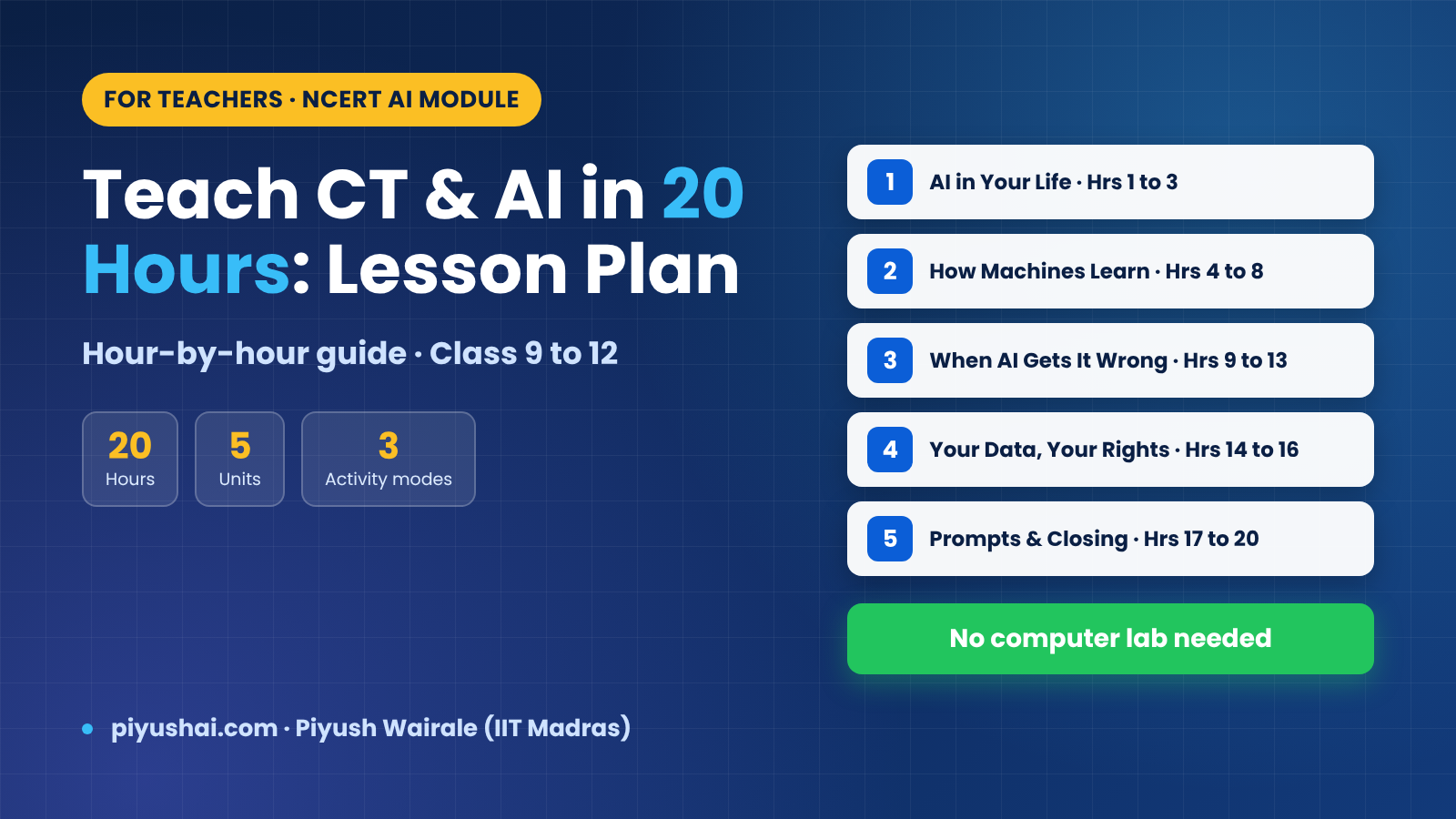
An hour-by-hour plan for teaching NCERT's 20-hour Computational Thinking and AI module to Classes 9 to 12, based on the official Note for the Teacher. Covers the three activity modes, core and enrichment activities for every hour, Curious Notebook assessment, handling sensitive topics, and practical tips for schools with no computer lab.
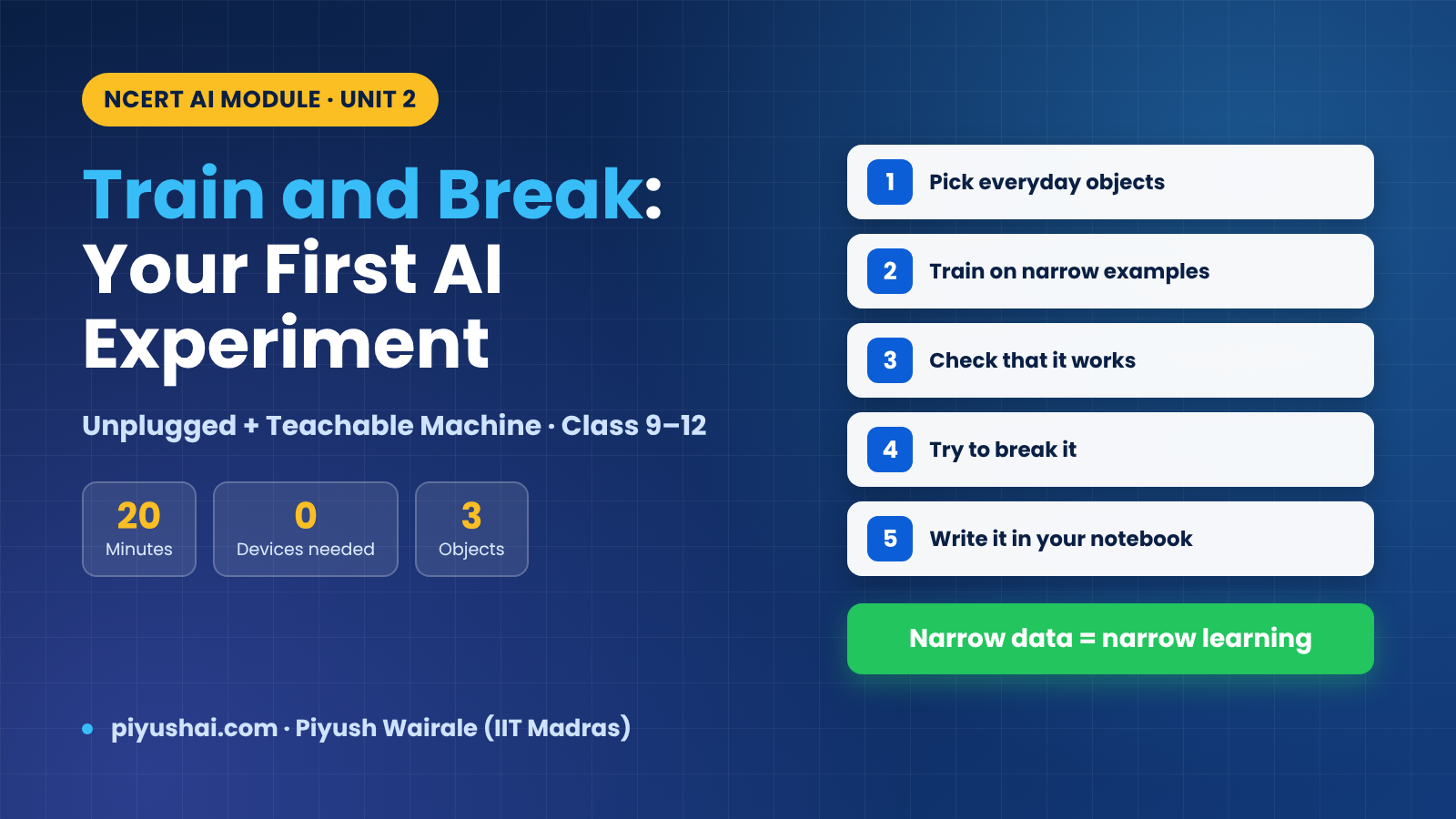
Train and Break is the main hands-on activity in Unit 2 of NCERT's Computational Thinking and AI module for Classes 9 to 12. Here is how to run it step by step, both as the unplugged Human Classifier and on a free image-classifier tool, plus the concepts it teaches (training, validation, test and live data, overfitting) and the Curious Notebook write-up.
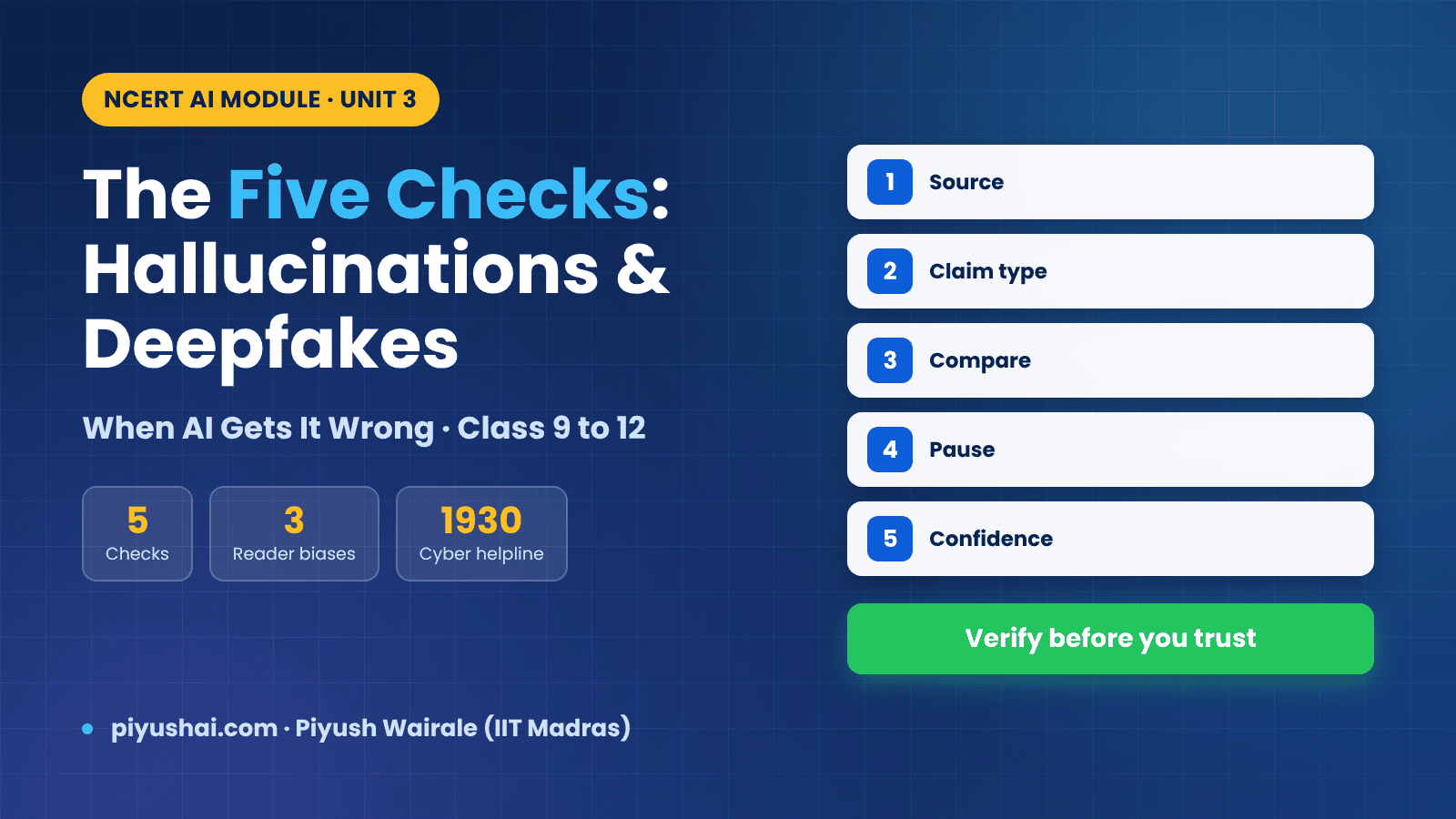
Unit 3 of NCERT's Computational Thinking and AI module, "When AI Gets It Wrong", teaches Class 9 to 12 students why AI is confidently wrong, how deepfakes work, the three reader biases, and the Five Checks: Source, Claim type, Compare, Pause and Confidence. Full explainer with the Hallucination Hunt activity and answers to the unit's key questions.
Learn Daily, Wherever You Are
Free lectures, exam updates, PYQ discussions, and job alerts — delivered through our YouTube channel and Telegram communities.

[…] a set of AI generated questions on the same chapter at exam difficulty. Check your working on every question you get […]